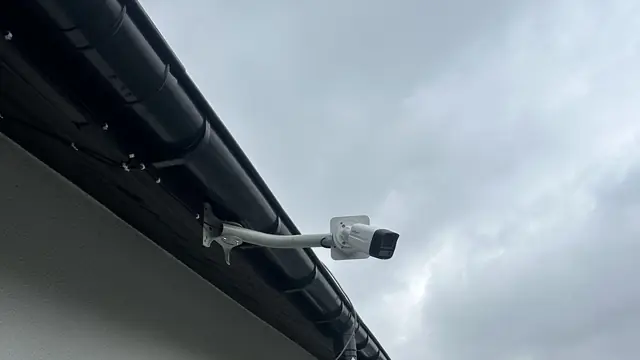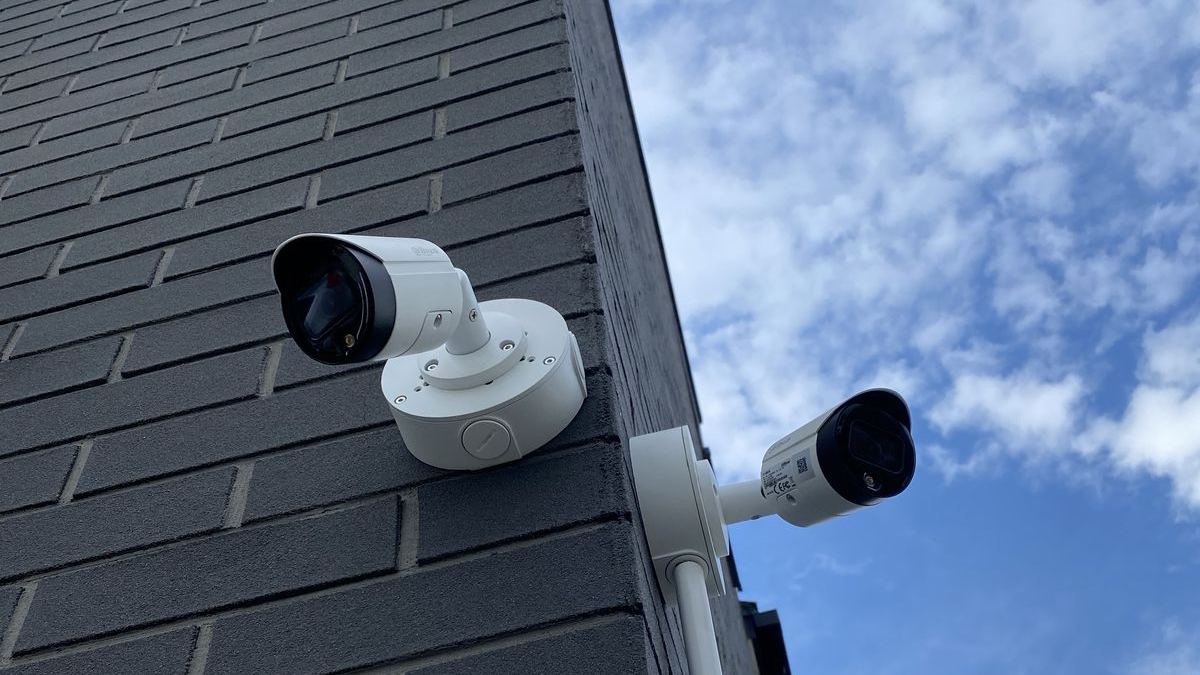
An IP camera is in fact a small computer connected to a network. It has an operating system, a web server, user accounts and internet access – so it can become the target of an attack. A compromised camera is not only a risk that a stranger will see footage from your home or business. The device can also be recruited into a botnet and used to attack other systems. That is why at CSAFE we take IP camera cybersecurity and NVR security as seriously as choosing a lens or positioning cameras. Here are the key rules we apply in every installation.
IP camera cybersecurity starts with passwords
In the past, many devices had factory passwords such as "admin/12345". Newer Dahua and Hikvision cameras and recorders now require you to set your own password on first start-up, but that is only the beginning. We recommend:
- long and unique passwords – ideally a dozen or more characters, with no dictionary words, names or dates;
- different passwords for the recorder, cameras, router and app account – one stolen password should not open every door;
- secure storage of passwords in a password manager, not on a sticky note attached to the recorder;
- changing passwords after service work is completed or when someone who should no longer have access has had it.
Separate user accounts and permissions
The administrator account should be used for configuration only. For everyday viewing, we create separate accounts with limited permissions – e.g. live view only, or live view and playback, without the ability to change settings or delete recordings. In a business, every authorised employee should have their own account. This makes it easier to keep track of who viewed recordings and when, and when an employee leaves you only need to delete one account instead of changing everyone's passwords. It is also worth enabling account lockout after several failed login attempts, if the device offers it.
Regular firmware updates
Manufacturers regularly release new firmware versions that fix bugs, including security vulnerabilities. In the past, there have been vulnerabilities in cameras from various brands that allowed unauthorised access – and they were patched precisely through updates. Good practice includes:
- checking for updates several times a year and after the manufacturer's security advisories;
- downloading firmware only from the manufacturer's official sources;
- backing up the configuration before updating;
- updating the cameras as well as the recorder and router;
- replacing devices that have long since stopped receiving support.
Note: the firmware must exactly match the device's model and hardware version. Uploading the wrong file can permanently damage the camera, which is why for larger systems we recommend that updates are carried out by a service technician.
Disable UPnP and avoid port forwarding
UPnP is a feature that lets a device on the network ask the router to open ports by itself. It is convenient but dangerous: the recorder can expose its services to the internet this way without you even knowing. That is why we disable UPnP on the recorder and cameras and – where possible – on the router as well.
For the same reason, we advise against manual port forwarding to the recorder. A device exposed directly to the internet is constantly scanned by automated bots looking for known vulnerabilities and weak passwords. A single unpatched vulnerability is enough for someone to take over the system.
Secure remote access: P2P or VPN
If we don't forward ports, how do you view the footage on your phone? There are two main ways:
- The manufacturer's P2P service (e.g. Dahua P2P with the DMSS app, Hik-Connect for Hikvision) – the recorder connects to the manufacturer's server, and the app establishes a connection without opening ports. This is convenient and sufficient for most homes. It is important that the app account has a strong password and – where possible – additional login protection.
- VPN – the phone or computer first connects to your network through an encrypted tunnel and only then to the recorder. The recorder is not visible from the internet at all. This is the solution we recommend for businesses and more demanding users. MikroTik or Ubiquiti routers allow you to configure, for example, WireGuard or another VPN protocol.
A separate VLAN for cameras
In many homes and businesses, cameras are on the same network as computers, phones and TVs. If any of these devices becomes infected, the attacker has an easy route to the cameras – and vice versa. The solution is network segmentation, i.e. moving the cameras to a separate VLAN. A well-configured network lets you:
- block the cameras' direct access to the internet if it is not needed;
- allow the cameras to communicate only with the recorder;
- allow only selected devices to access the recorder, e.g. the computer at reception.
A simpler approach is to connect the cameras directly to the recorder's PoE ports, which form a separate internal network. For larger systems we use managed switches and MikroTik, TP-Link or Ubiquiti routers. You can read more about how we design networks on our LAN and Wi-Fi installations page.
Wi-Fi cameras and the cloud – what to watch out for
Popular DIY Wi-Fi cameras also need attention. Before buying, check whether the manufacturer regularly releases updates and how long it supports the model. Secure the app account with a strong password and enable two-step verification if available. The Wi-Fi network the camera is connected to should use WPA2 or WPA3 encryption and have a strong password – weak wireless network security weakens the protection of all connected devices.
Additional good practices
- Disable unused services – e.g. Telnet, SSH, FTP, SNMP, if they are not needed.
- Use HTTPS for browser logins instead of unencrypted HTTP.
- Synchronise the time (NTP) – the correct date and time are important for the evidential value of recordings and for logs.
- Review the recorder's logs for failed login attempts.
- Physically secure the recorder and switch – a locked cabinet makes it harder to steal the drive or plug in an unauthorised device.
- Secure the router – change the default password, keep the firmware updated and disable remote management from the internet.
Summary
Secure CCTV is not just about good cameras, but also about well-thought-out configuration: strong and unique passwords, separate user accounts, up-to-date firmware, UPnP disabled, no port forwarding, access via P2P or VPN, and a separate network for the cameras. We take all these elements into account when installing CCTV systems, and we can check and secure existing installations.
Our area: Bielsko-Biała and the surrounding area: Żywiec, Kęty, Andrychów, Skoczów, Czechowice-Dziedzice, Pszczyna, Cieszyn and Oświęcim. We will review your CCTV and network and prepare a free quote for the changes. Call: 505 298 048 or write to us.
Frequently asked questions
Can IP cameras be hacked?
Yes, like any device connected to the internet. The most common causes are weak or default passwords, outdated firmware and a recorder exposed directly to the internet through port forwarding.
Is port forwarding on the router safe?
It is the riskiest method of remote access, because it exposes the recorder's interface to scanning from across the entire internet. It is safer to use the manufacturer's P2P service or a VPN connection.
How often should camera firmware be updated?
It is worth checking for updates several times a year and always after the manufacturer announces a security fix. Firmware should be downloaded only from the manufacturer's official website or its app.
Why have a separate VLAN for cameras?
Separating cameras from computers and phones limits the consequences if one device is compromised. A camera on a separate network has no access to the other devices in the home or business.