Fast internet in your contract with a provider is one thing; stable coverage in every room is quite another. The router supplied by the provider usually sits in the hallway or in the TV cabinet, and the signal barely reaches the upstairs bedroom, the garage or the garden. A well-designed Wi-Fi installation in Bielsko-Biała and the surrounding area increasingly relies on two solutions: the new Wi-Fi 7 standard and a mesh system, i.e. several access points working together. In this article we explain in plain language how the successive generations of Wi-Fi differ, when mesh makes sense and how to position the devices to get rid of dead zones once and for all.
Wi-Fi 6, 6E and 7 – what do these numbers actually mean?
The generation labels for Wi-Fi have replaced hard-to-remember technical names (802.11ax, 802.11be). For the user, what matters most is what each generation actually changes in everyday use of the network.
- Wi-Fi 6 – operates in the 2.4 GHz and 5 GHz bands. Its biggest advantage is better handling of many devices at once thanks to OFDMA technology. In a home where phones, TVs, laptops, cameras and smart plugs are all running at the same time, the difference is noticeable.
- Wi-Fi 6E – this is Wi-Fi 6 extended with the 6 GHz band. That band is far less congested than 2.4 and 5 GHz, so in blocks of flats and densely built estates it provides a more stable connection. However, it has a shorter range and passes through walls less well.
- Wi-Fi 7 – the newest standard, which uses all three bands. Among other things, it introduces wider channels in the 6 GHz band and MLO (Multi-Link Operation), which lets a device use several bands simultaneously. In practice, this means higher throughput and lower, more predictable latency.
Bear in mind that you will only get the full benefits of Wi-Fi 7 when both the router or access point and the end device (phone, laptop) support the standard. Older devices will still connect to the new network, but in the mode of their own generation. That is why an upgrade is best treated as a long-term investment – new networking equipment will serve you through several more cycles of replacing phones and computers.
Where do dead zones come from?
Even the latest router cannot get through everything. The most common causes of poor coverage in detached houses are:
- reinforced concrete floors and load-bearing walls, especially in newer buildings,
- underfloor heating and metal structural elements,
- a router hidden in a cabinet or in a corner of the building, next to the provider's box,
- a large floor area or several storeys,
- interference from neighbours' networks, especially in the 2.4 GHz band.
A popular but usually ineffective solution is cheap plug-in signal boosters (repeaters). They pick up a weak signal and retransmit it, often reducing throughput and creating a separate network that devices are reluctant to switch between. A better choice is a mesh network or a system of centrally managed access points.
Mesh networks – how they work and why backhaul matters
A mesh system consists of several units that create one shared Wi-Fi network with the same name and password. A phone or laptop automatically connects to the nearest point, and the user can move from room to room without the connection dropping. The key, however, is how the units communicate with each other – this link is called backhaul.
Wireless backhaul
The units exchange data over radio. This is convenient because no cables are needed, but part of the bandwidth is used up by communication between the points. The further from the main unit and the more walls in the way, the lower the speed. Tri-band systems, including Wi-Fi 7 ones, mitigate this problem but do not eliminate it completely.
Wired backhaul
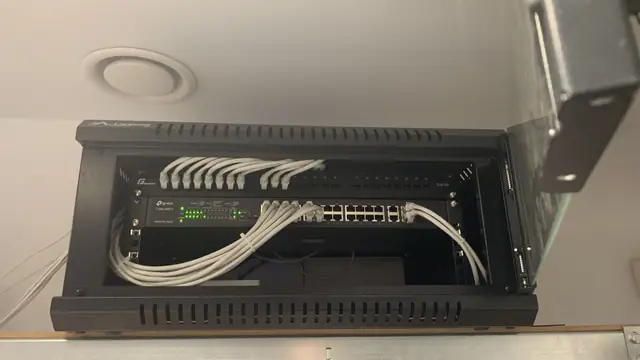
The best results come from connecting the units with an Ethernet cable. Then the full radio capacity goes to the users' devices, and each point gets the full speed of the connection. If your home already has structured cabling or you are planning a build, it is worth providing cables to the access point mounting locations from the outset. We write more about how to prepare the installation on our LAN network installation page.
PoE access points – a long-term solution
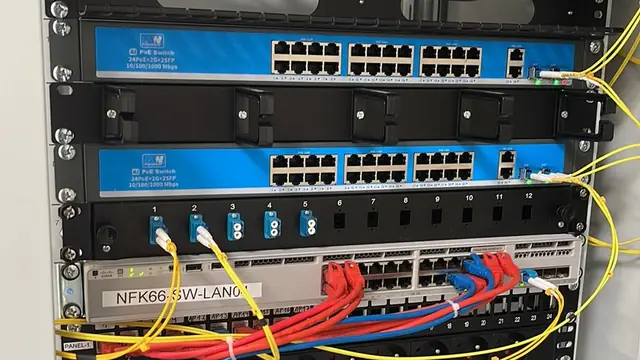
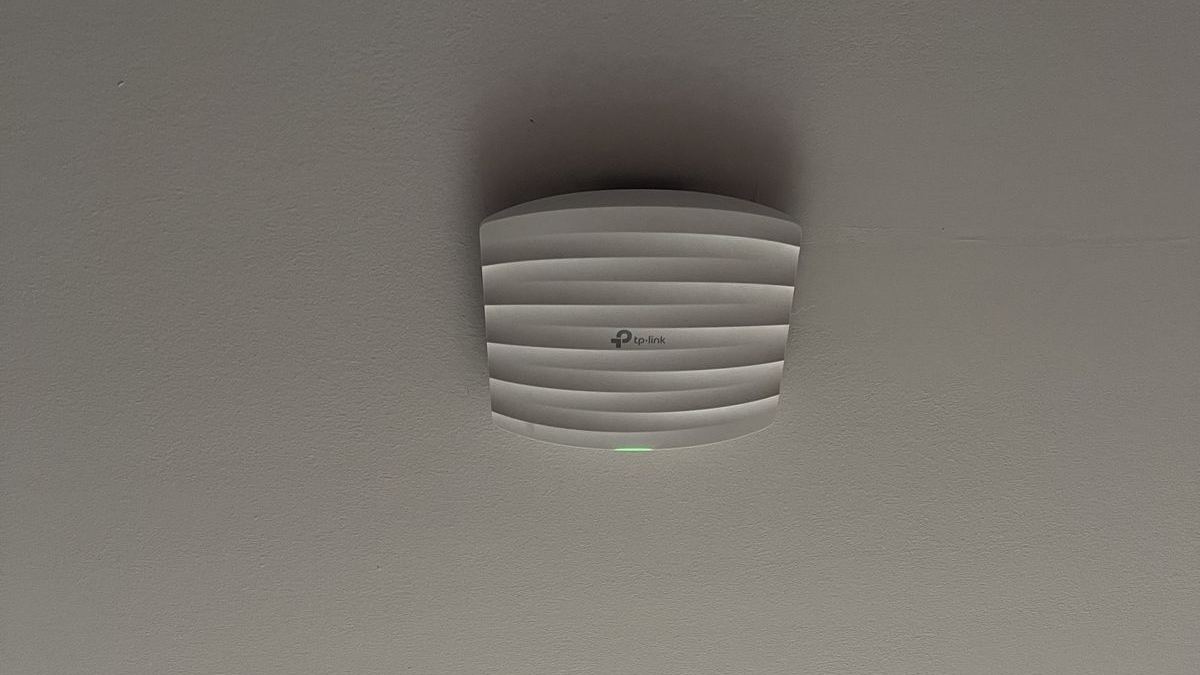
An alternative to home mesh kits is ceiling-mounted access points powered via PoE (Power over Ethernet). A single network cable supplies them with both data and power, so no socket is needed near the ceiling. These devices are discreet, mounted at the centre of the room, and the whole network is configured from a single dashboard or app.
In practice, we most often turn to proven ecosystems:
- TP-Link Deco – simple mesh systems for homes, configured via an app, also available in Wi-Fi 7 versions with ports for wired backhaul.
- TP-Link Omada – a step up: ceiling access points, PoE switches and a controller that lets you manage the entire network centrally.
- Ubiquiti UniFi – an extensive ecosystem with a clear dashboard, good client statistics and easy expansion with further access points, cameras or gateways.
- MikroTik – very flexible routers and access points for demanding installations where advanced configuration is needed.
The choice depends on the size of the building, your expectations regarding management and whether the network is also to support CCTV or other systems in the future.
How should access points be positioned?
Good positioning matters more than the number of devices. A few rules we follow in practice:
- Centrally, not by an external wall – a point in the middle of the house or room covers the space better than a router in a corner.
- High up – mounting on the ceiling or high on a wall reduces the impact of furniture and people on coverage.
- At least one point per storey – floors effectively attenuate the signal, especially in the 5 and 6 GHz bands.
- Away from metal obstacles – fridges, metal cabinets, mirrors and radiators.
- With the outdoors in mind – if you want coverage on the terrace, in the garden or in a detached garage, consider a dedicated outdoor access point.
Before installation, it is a good idea to carry out a coverage survey showing where the signal actually weakens. That way you do not buy devices "just in case", and the network is tailored to the specific building.
A guest network and a separate network for IoT devices
A modern home is not just computers and phones. TVs, vacuum cleaners, thermostats, lighting, smart plugs and often cameras and video intercoms are all connected to Wi-Fi. Each of these devices is a potential back door for attackers, especially if the manufacturer rarely releases updates. That is why it is worth dividing the network into several parts:
- main network – for household members, computers and phones,
- guest network – with internet access only, without the ability to see home devices,
- IoT network – for smart home equipment, isolated from computers holding data.
Cameras and recorders are best connected by cable and, where possible, in a separate network segment. This division also makes it easier to expand a CCTV system or video intercom later, because every device has its place in the infrastructure from the start.
Wi-Fi installation in Bielsko-Biała – how we work at CSAFE
We start every project with a conversation and a site visit: we check the room layout, the wall materials, where the connection enters the building and any existing cabling. On that basis we propose a solution – from a simple mesh kit to a system of ceiling access points with a PoE switch. After installation we configure the networks, security and firmware updates, and finally we check the coverage in key parts of the house. This way the client knows what they are paying for and does not have to struggle with the settings on their own.
CSAFE operates in Bielsko-Biała and the surrounding area – our service area includes Żywiec, Kęty, Andrychów, Skoczów, Czechowice-Dziedzice, Pszczyna, Cieszyn and Oświęcim. We will help you choose Wi-Fi 6 or Wi-Fi 7 equipment, design a mesh network and install access points so that there is coverage in every room. Quotes are free – call 505 298 048 or write to us via the contact form.
Frequently asked questions
Is it worth buying Wi-Fi 7 equipment now?
If you are replacing your router or building a new network anyway, Wi-Fi 7 is a sensible long-term choice. Older devices will still work with it, and new phones and laptops will benefit from its advantages.
How does a mesh network differ from a signal booster?
Mesh creates one coherent network from several cooperating units, between which devices switch seamlessly. A repeater merely repeats a weak signal, often reducing speed.
Do mesh units need to be connected by cable?
It is not essential, but a wired connection (backhaul) gives the highest and most stable speed throughout the house. Where possible, we always recommend it.
Why have a separate network for smart home devices?
Separating IoT devices from computers and phones limits the consequences of a possible break-in to poorly secured equipment. It is a simple and effective way to improve home network security.