In many small businesses the network grew bit by bit: a router from the ISP, a few computers, then a printer, cameras, a payment terminal and finally Wi-Fi for customers. Everything runs on one flat network in which every device can “see” every other one. It is convenient, but risky. A secure business network divided into VLANs, with a firewall and VPN access, is not reserved for corporations – it can also be built in an office of a few people, a shop or a workshop. We explain where to start and what to look out for.
Why is a flat network a problem?
If the accountant’s computer, a guest’s laptop, a camera with outdated firmware and a document server all sit in the same segment, a single infected device is enough for the threat to spread to the rest. Malware, including data-encrypting ransomware, often tries to scan the local network for further targets. Dividing the network limits this possibility and means that any incident affects a smaller part of the infrastructure.
VLANs: a business network divided into zones
A VLAN (Virtual LAN) is a logical network separated within a single physical infrastructure. Several isolated networks can run on the same switches and access points, with traffic between them controlled by a router or firewall. A typical division in a small company looks like this:
- Office VLAN – staff computers, file server, network printers.
- Guest VLAN – Wi-Fi for customers and business partners, with internet access only.
- Camera and IoT VLAN – cameras, recorder, access control, air conditioning, smart devices.
- Management VLAN – admin interfaces of switches, access points and other network devices.
With this division, a guest connected to the Wi-Fi will not see the company server, and a camera will have no access to the computers. At the same time, exceptions can be defined precisely – for example, allowing selected computers to view the CCTV system recorder.
Managed switches – the foundation of segmentation
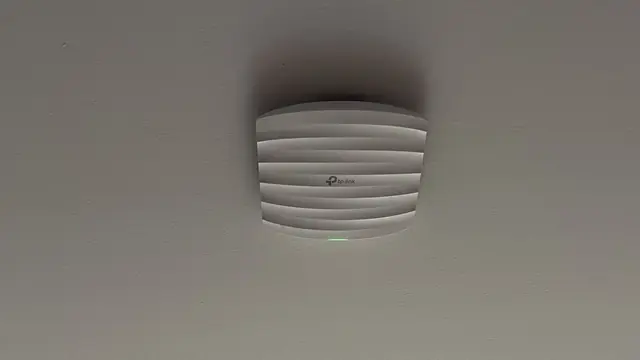
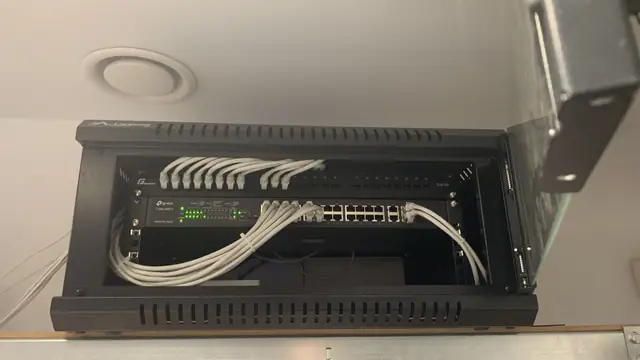
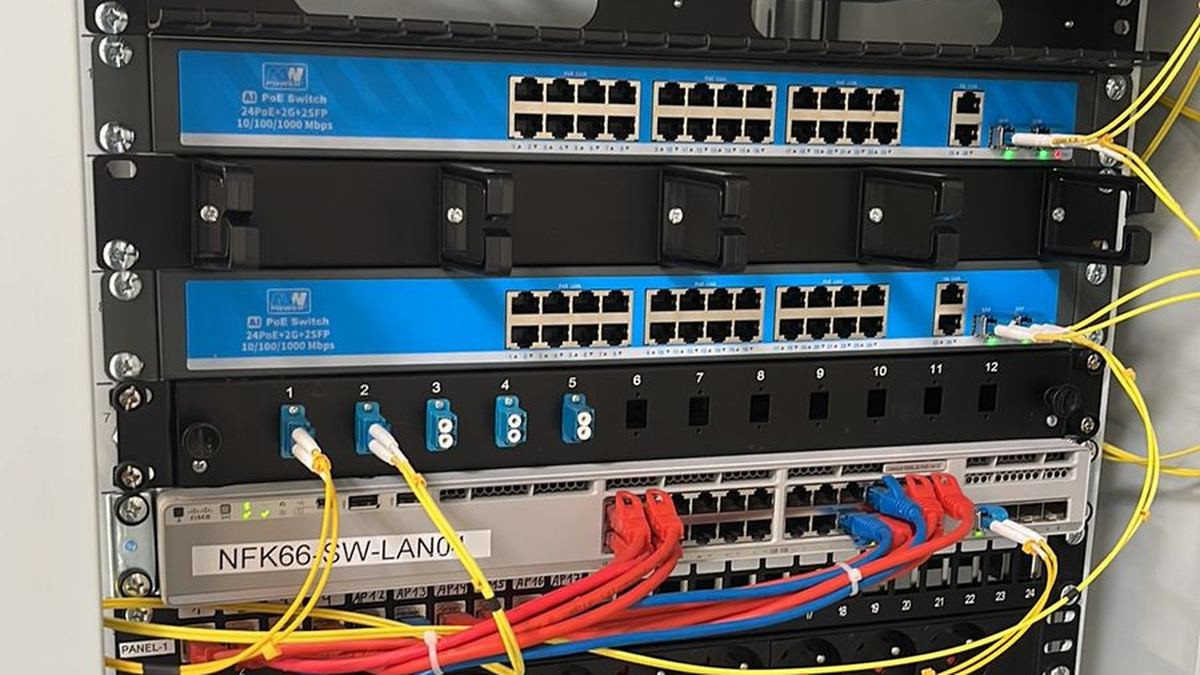
To use VLANs, you need managed switches. They let you assign ports to specific networks, monitor traffic, disable unused sockets and diagnose problems. PoE versions also power cameras, access points and VoIP phones, which simplifies installation. In business projects we most often use MikroTik, TP-Link Omada and Ubiquiti UniFi equipment – each of these ecosystems supports VLANs and lets you manage the network from one place.
Firewall and router – controlling traffic at the network edge
A router supplied by the ISP usually has very limited capabilities. In a business, a dedicated edge device with firewall functions works better, as it:
- filters traffic between VLANs according to defined rules,
- blocks unwanted connections from the internet,
- lets you securely expose selected services without opening up the whole network,
- handles VPN connections for remote workers,
- allows a backup connection, e.g. LTE/5G, to be added in case the main link fails.
A common mistake is forwarding camera or recorder ports directly to the internet. It is an easy route to a break-in. Remote access to CCTV and company resources should go through a VPN or the manufacturer’s secure cloud services.
VPN for remote workers
Working from home or while travelling has become the norm. A VPN creates an encrypted tunnel between an employee’s laptop and the company network, so access to files, accounting systems or printers is secure even from public Wi-Fi. Each user should have their own login details, and accounts should be disabled immediately when someone leaves. Where possible, it is a good idea to add multi-factor authentication.
UPS backup power
Brief power cuts can restart the router, switches and server, and a sudden shutdown can corrupt data. A UPS in the network cabinet keeps key devices running and allows the system to be shut down safely during a longer outage. This also applies to the camera recorder and the alarm control panel – it is precisely during a power cut that protecting the premises matters most. It is worth planning the integration of the network with the alarm system and CCTV together.
Backups – the 3-2-1 rule
Even the best-protected network is no substitute for backups. A proven practice is the 3-2-1 rule: three copies of your data, on two different types of media, with one kept off-site (e.g. in the cloud). Backups should run automatically, and every so often you should check that data can actually be restored from them. Ideally, at least one copy should be isolated from the network so that any attack cannot reach it too.
Network monitoring and updates
A business network is not a “set and forget” project. Controllers such as UniFi or Omada, as well as the tools available in MikroTik, let you track link load, the list of connected devices and port status. Notifications about failures, new devices or unusual traffic help you react quickly. Just as important are regular firmware updates for routers, switches, access points and cameras – manufacturers continually patch discovered vulnerabilities.
What about NIS2?
The NIS2 Directive and the Polish national cybersecurity system legislation implementing it place obligations mainly on entities in specific sectors, such as energy, transport, healthcare, digital infrastructure or certain areas of manufacturing, usually above a certain size. Most small businesses are not directly subject to these regulations. They may, however, feel their effects indirectly – as suppliers or subcontractors of larger organisations, which increasingly require basic security measures from partners in their supply chain. If you are unsure whether the rules apply to your company, it is worth consulting a legal adviser. Regardless of formal obligations, network segmentation, backups and access control are simply good practice.
Where to start in your company?
- List all devices connected to the network and establish who uses what.
- Define zones: office, guests, cameras and IoT, management.
- Replace the ISP’s router with a firewall device or switch it to bridge mode.
- Use managed switches and access points that support VLANs.
- Set up a VPN, a UPS and automatic backups.
- Establish a schedule for updates and reviews.
At CSAFE we design and deploy networks for offices, shops, workshops and small plants – from cabling to configuration. You will find details on our LAN installation page.
CSAFE operates in Bielsko-Biała and the surrounding area – including Żywiec, Kęty, Andrychów, Skoczów, Czechowice-Dziedzice, Pszczyna, Cieszyn and Oświęcim. We will analyse your current business network and propose a VLAN layout, security measures and backup power suited to the scale of your business. Quotes are free – call 505 298 048 or get in touch via the contact form.
Frequently asked questions
Does a small business need VLANs?
Yes – even in an office of a few people it is worth separating staff computers from guest Wi-Fi and devices such as cameras. This limits the consequences of a potential break-in or infection.
Can I share my cameras using port forwarding?
We do not recommend it, as open recorder ports are a frequent target of attacks. It is safer to use a VPN or the manufacturer’s encrypted cloud services.
Does NIS2 apply to my small business?
It mainly applies directly to entities in specific sectors, usually above a certain size. A small business may, however, feel its effects indirectly as a supplier to larger organisations; if in doubt, it is worth consulting a lawyer.
Why have a UPS in the network cabinet?
A UPS keeps the router, switches, server and recorder running during power cuts and protects data against sudden shutdown.